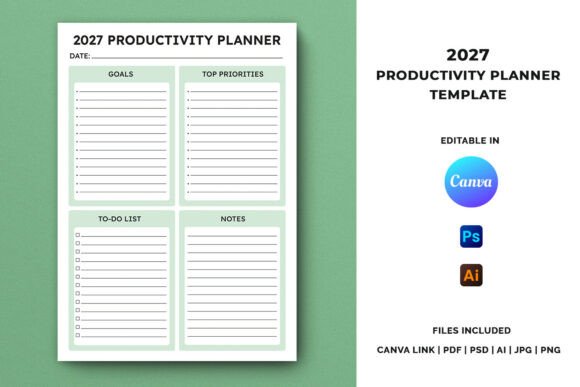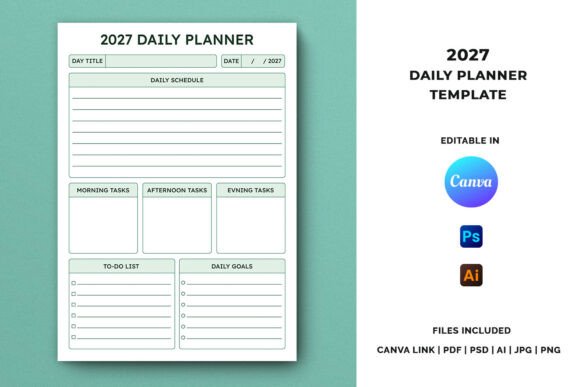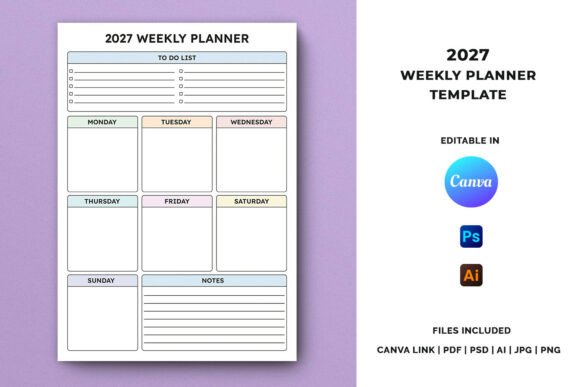
2027 Goal Planner Template for Creators & Sellers
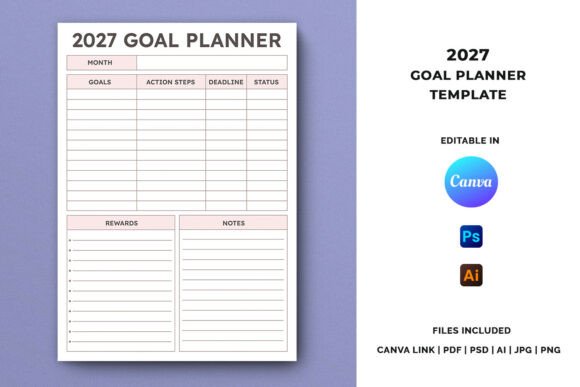
Planning for 2027 might feel early, but the most effective goal-setters know that preparation now leads to results later. The 2027 Goal Planner Template offers a structured, A4-sized system for capturing goals, breaking them into actionable steps, setting deadlines, tracking status, and even rewarding progress. Whether you are designing products for KDP, building a printable planner business, or creating your own personal development system, this template gives you a clean foundation to build upon. Its format is simple enough to sell as-is, yet flexible enough to customize for different audiences, niches, or visual styles.
What makes this template stand out is its balance of structure and freedom. It includes dedicated sections for goals, action steps, deadlines, status tracking, rewards, and notes. Each element serves a purpose. Goals keep you focused. Action steps make progress tangible. Deadlines create urgency. Status tracking provides accountability. Rewards reinforce positive habits. Notes capture insights, reflections, or adjustments along the way. This isn't just a layout — it's a small system for turning intentions into outcomes.
Why a Dedicated 2027 Planner Makes Sense for Creators
If you sell on Etsy, Creative Fabrica, Amazon KDP, or your own site, you know the value of timely, niche-specific products. A general planner works, but a year-specific template like this one taps into a buyer's desire to start fresh, organized, and ahead of schedule. People love the idea of a clean start, and a 2027-dated planner carries that promise. For designers and publishers, this means you can offer a product that feels current, intentional, and ready to use.
The editable formats — Canva, Adobe Illustrator, and Photoshop — allow you to update text, swap colors, adjust layouts, or add brand elements without starting from scratch. The included instruction PDF walks you through every step, so even if you are new to editing templates, you can produce consistent, print-ready files. This is especially useful if you plan to release multiple variations for different audiences.
Personal Development Journals
For individuals creating a personal growth system, this template can serve as a monthly goal-setting companion. Use it to outline career milestones, health targets, learning goals, or financial objectives. The status tracking section allows you to check in each week and adjust your approach. Add a habit tracker or a vision board page alongside it, and you have a complete personal development journal. The reward section encourages sustainable motivation — a small incentive after completing a major action step keeps momentum alive.
Business Goal Workbooks for Entrepreneurs
Entrepreneurs and small business owners can adapt the template for quarterly planning, product launches, or revenue targets. Action steps might include market research, content creation, outreach campaigns, or product development. The deadline column ensures each task has a clear timeline. Status tracking can be color-coded: green for on track, yellow for at risk, red for blocked. This transforms the planner into a lightweight project management tool. Bundle it with a business model canvas or a marketing calendar for a complete workbook.
Accountability and Habit-Building Systems
Coaches, accountability partners, or group program leaders can use the template as a framework for client check-ins. Each section encourages specificity: what goal, what small step, by when, and what progress looks like. The notes area becomes a space for reflection, challenges, or wins. For group settings, the template can be shared as a fillable PDF or printed for workshops. It works well for habit-building programs, 90-day challenges, or six-month coaching arcs.
Monthly Planning Systems
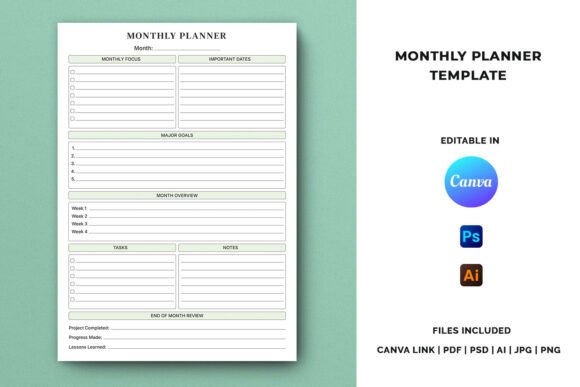
While the template is designed for yearly goals, it can also function as a monthly planning page. Repurpose the sections to focus on one month's priorities: three main goals, weekly action steps, four deadlines, and a reward for completing the month. Status tracking can show weekly check-ins. This gives users a steady rhythm without overwhelming them. If you sell planner interiors, offering both yearly and monthly versions of the same layout can increase your product range with minimal design effort.
Practical Ideas for Customization and Product Development
Because the template is fully editable in Canva, Illustrator, and Photoshop, you have many options for creating variations. Change the color palette to suit different themes — minimalist black and white for professional audiences, pastels for creative planners, or bold contrast for productivity enthusiasts. Update font choices to match a modern, classic, or playful aesthetic. Add decorative elements sparingly; the template's strength is its clarity, so keep the layout readable and functional.
For KDP interiors, consider offering the template as part of a larger 2027 planner bundle. Combine the goal planner page with monthly calendars, weekly spreads, habit trackers, and reflection pages. The A4 size fits standard print-on-demand specifications. Ensure your files use CMYK color mode and 300 DPI resolution, as the template provides. The print-ready setup saves you time and reduces the risk of poor-quality output.
If you sell on Etsy or Creative Fabrica, consider creating multiple versions: a fillable PDF for digital planners who use tablets, a printable version for paper-based users, and an editable Canva template for buyers who want to personalize before printing. Each format reaches a different audience. Digital planners appreciate hyperlinked pages and text fields. Paper planners value crisp layouts and generous writing space. Canva users want drag-and-drop ease.
Another angle: create a 2027 goal-setting workshop or email series based on the template. Offer the planner as a free or low-cost lead magnet, then guide subscribers through using it each month. This builds trust and establishes you as a resource, not just a product seller. The template's structure naturally lends itself to teaching goal-setting principles — break down big dreams into small steps, track progress consistently, celebrate achievements.
Keeping Results Clear, Effective, and Audience-Friendly
When you use or sell this template, clarity is your advantage. Avoid overcrowding the layout. The existing sections — goal, action steps, deadline, status, reward, notes — already cover the essentials. If you add extra fields, make sure they serve a real purpose. An unnecessary section can distract users from the core planning process.
Consistency in formatting also matters. Use the same font sizes, heading styles, and spacing across all pages. If you build a full planner interior, maintain a visual rhythm so users feel comfortable navigating from one page to the next. For status tracking, keep terminology simple: Not Started, In Progress, Complete, or use a checkbox system with dates. Avoid jargon or overly complex labels.
For those selling on KDP, test your files before publishing. Print a sample, check margins, confirm bleed settings, and ensure all text is editable or correctly flattened depending on your intent. The included instruction PDF helps with these steps, but it is always wise to run a final check. Buyers notice misaligned content or hard-to-read sections, so invest time in quality control.
Adapting for Different Goals and Audiences
The 2027 Goal Planner Template can serve vastly different users. A student might use it to plan coursework, exam preparation, scholarship applications, and internship deadlines. A freelancer might track project milestones, client outreach, income targets, and skill development. A retiree could use it for travel planning, hobby projects, volunteer commitments, and health goals. The layout is neutral enough to accommodate many contexts, yet structured enough to keep anyone on track.
If you design for specific niches, tailor the language in the template. Replace generic headers with industry-specific terms. For fitness planners, change "Goal" to "Fitness Target" and "Action Steps" to "Workout Plan." For financial planners, use "Savings Goal" and "Budget Action." For creative goals, try "Project Milestone" and "Creative Task." Small adjustments make the template feel bespoke, which increases perceived value and relevance.
You can also offer the template in different layout styles. A left-aligned version with a sidebar for notes suits users who prefer structured columns. A centered, minimalist version works for those who want a calm, uncluttered page. A version with grid backgrounds appeals to bullet journal users. Each variation keeps the core structure intact while speaking to different visual preferences.
Making the Most of the Included Files
The ZIP file contains a Canva template link, PDF, AI, PSD, JPG, and PNG files. This range of formats supports nearly any workflow. Canva users get instant browser-based editing. Illustrator and Photoshop users have layer control and precision. PNG and JPG files work for quick previews, mockups, or simple printing. The PDF includes instructions and can also serve as a ready-to-print version. Extracting the files and following the instructions PDF is straightforward, even for first-time users.
For sellers, having multiple file formats means you can list products with different licenses. Sell the Canva template for personal use, offer the editable source files for commercial use with design modifications, and include the print-ready PDF as a bonus or fast-access option. This versatility appeals to a wider range of customers, from budget buyers to serious designers.
Final Thoughts on Building Around This Template
The 2027 Goal Planner Template is more than a page design. It is a framework for productivity, a product you can customize and resell, and a tool that helps others take their goals seriously. Whether you use it for your own planning, offer it as a standalone product, or integrate it into a larger journal, the structure works. Keep the layout clean, let the sections guide the user, and add your own creative touches without losing the original clarity. The best planning tools are the ones people actually use, and a clear, well-built template makes that far more likely.